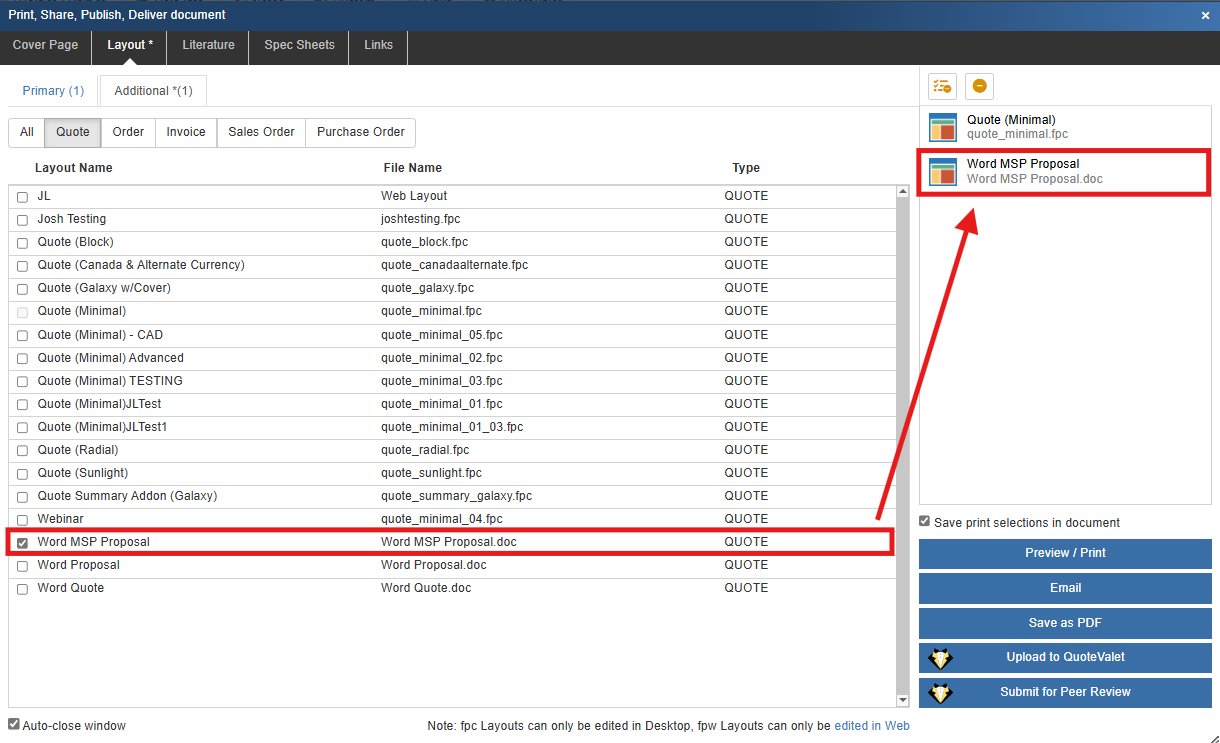
QuoteWerks can merge data into Microsoft Word templates (.doc and .docx).
To create new Word templates for QuoteWerks, open Microsoft Word and save the file into the \layouts\Quote, \Layouts\Order, \Layouts\Invoice folders for Quotes, Orders, and Invoices respectively using the File Manager.
Using the QuoteWerks Word Merging feature you have access to all the formatting that Microsoft Word supports including fonts (bolding, italicizing, underlining, color, size, etc.), bullet points, headings and pictures.
|
|
See also:
•Cover Page, Literature, and Microsoft Word Template Document Macros