QuoteWerks includes a built-in management report designer. This report designer can be used to create reports on your quote and product information using data stored in the quote/order/invoice or in a product database. You can create commission and outstanding quote reports, daily sales reports, or reports on the sales of a specific product line. You can also create product/price catalogs for your customers (including customer specific pricing), as well as detail reports on your product lines. Reports can then be exported to a CSV (comma delimited) or Text (tab delimited) file.
Management Reports Window
Management reports are both maintained and run from the same location. Select Reports from the left navigation panel to open the Management Reports window:
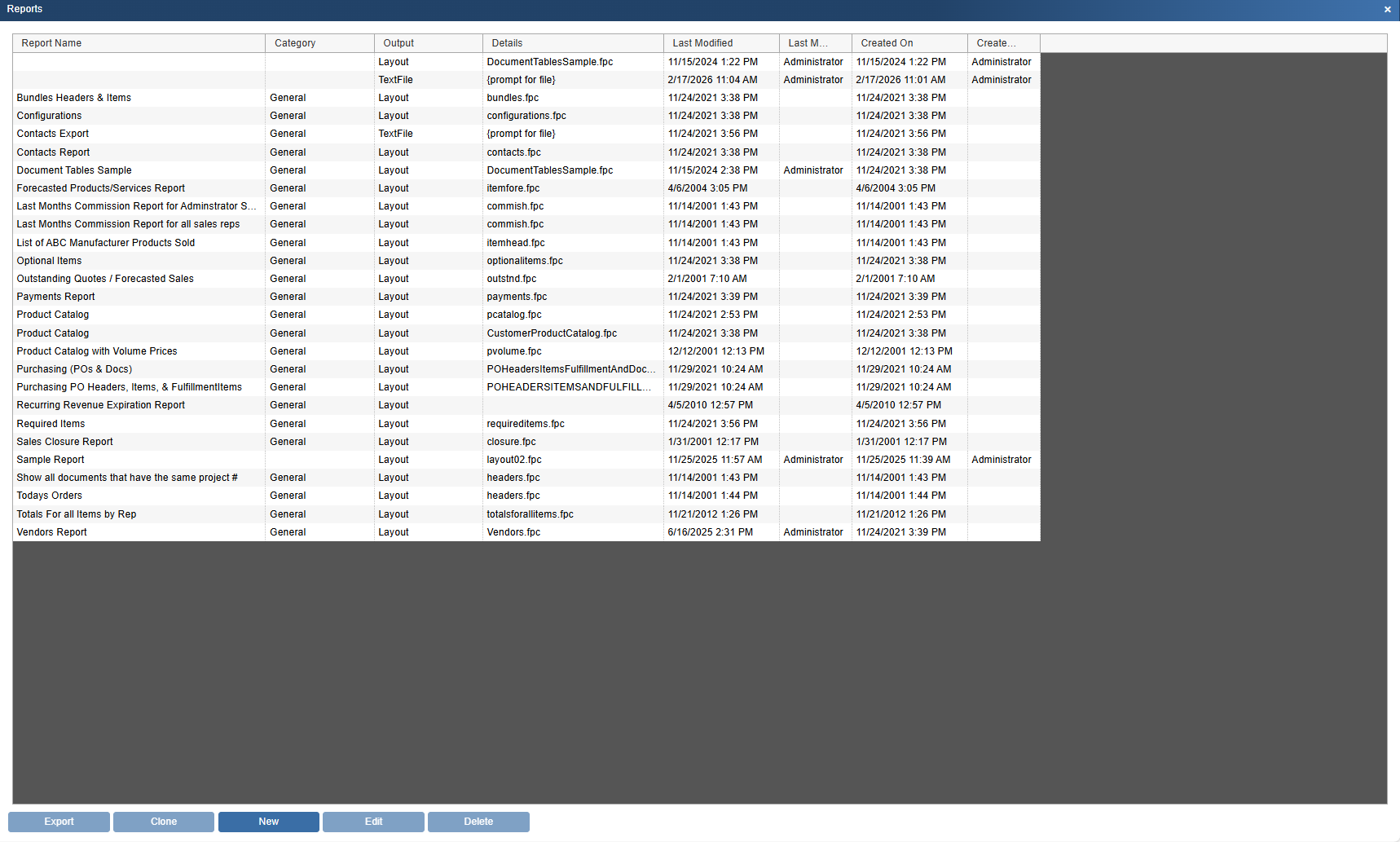
From this window you can create a new report, edit an existing report, delete a report, and export a report.
Each report can be named, and this name is displayed in the “Report Name” column.
You can set a value in the Category field to make it easier to organize different types of reports.
LastModified, LastModifiedBy, CreatedOn, and CreatedBy columns are also available in this window so you know who created and last modified your reports
For more information on management reports, see the following sub topics: